Blog
What Is the Best Cloud Video Door Phone in 2026?
Choosing the best Cloud Video Door Phone in 2026 means looking beyond a sharp camera image. A clear view of the doorstep matters, but so do fast alerts, stable Wi-Fi, dependable cloud recordings, and simple visitor controls. Small details matter. A notification that arrives late can be frustrating when a courier is already walking away.
Security technologist Bruce Schneier wrote, “Security is a process, not a product.” That principle is useful here: buyers should consider account protection, software updates, storage settings, and who can access recorded clips. A feature list alone cannot show how a system behaves during a weak connection or a busy afternoon. This guide compares practical features, ongoing costs, compatibility, and everyday usability, while distinguishing published specifications from claims that need closer scrutiny.
No single model wins every doorway. A renter may value easy installation, while a family with an existing intercom may need broader compatibility. Night footage can look impressive in a product photo, yet glare from a porch light may soften real details. That is not enough. The best choice depends on the entrance, network, household, and willingness to pay for cloud storage. The following guide explains what to check before choosing a Cloud Video Door Phone in 2026, including the trade-offs that polished marketing pages can leave out.
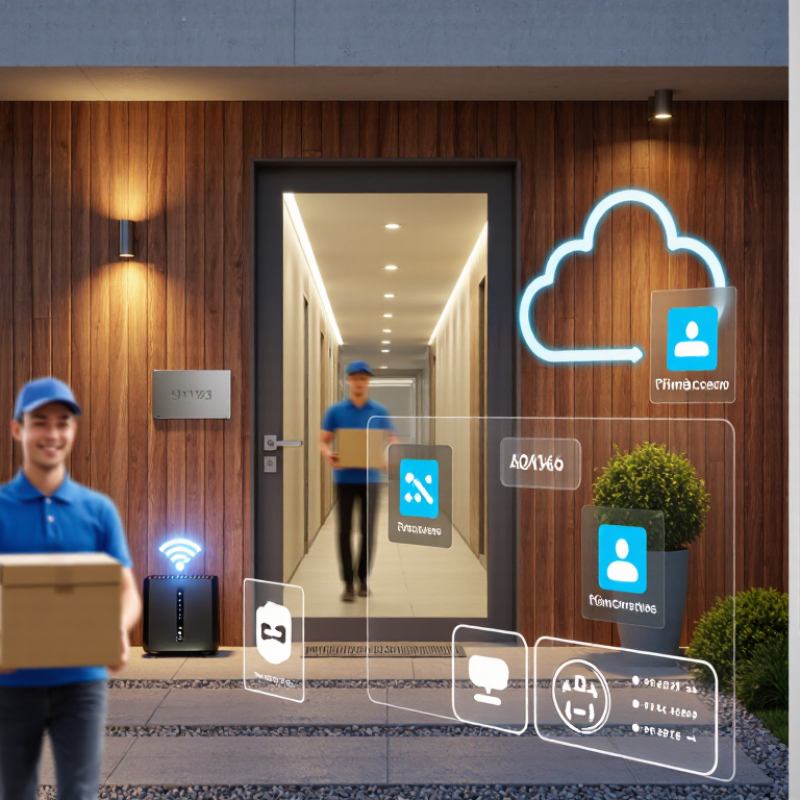
What a Cloud Video Door Phone Is and How It Works
A cloud video door phone combines an outdoor camera, microphone, speaker, call button, and an indoor screen or mobile app. When a visitor presses the button, the device sends an alert through an internet-connected cloud service. You can view the visitor and speak from another room or while away. A brief delay is normal.
The cloud service acts as a relay between the door unit and your phone. Depending on the system, it may also store video clips for later viewing. Cloud access does not always mean continuous recording; storage and retention depend on the device and account settings. Check these details before installation. A strong Wi-Fi signal near the entrance helps keep video and two-way audio steady.
Still, this is not magic. A weak connection can freeze the picture or delay a conversation, especially when someone is standing at the door. In practical use, test the view at night and listen for echo through the speaker. Review who can access shared accounts, and enable extra account security where available. The setup may feel less seamless than product descriptions suggest, and that is worth considering.
Features That Matter When Choosing a Model in 2026
Choosing a cloud video door phone in 2026 means checking how it performs at your actual doorway, not just comparing feature lists. A sharp image helps, but reliable alerts matter more when someone arrives during rain or after dark. Look for clear footage in low light, adjustable motion zones, and two-way audio that stays understandable over street noise. Test the connection from the front gate, where Wi-Fi may be weaker than it is indoors. A few seconds of delay can make a conversation awkward.
Cloud storage should have clear retention settings, simple clip downloads, and transparent subscription costs. Check whether the device can keep recording locally during an internet outage. It may not. Security also deserves close attention: seek encrypted connections, regular software updates, and practical account controls such as two-factor sign-in. Avoid relying on face recognition or package alerts as guarantees; lighting, camera angle, and passing traffic can confuse automated detection. Small details count. Confirm the unit works with your existing wiring, chime, and household phones before installation. Then consider who can view clips and how easily access can be removed when a household member changes. A model that meets every specification on paper may still feel frustrating if its app is slow or its alerts arrive inconsistently.
How Leading Cloud Video Door Phones Compare
The best cloud video door phone in 2026 depends on how residents use it, not just camera resolution. Compare models by call delay, night visibility, cloud recording terms, and how easily several household members can answer. A clear image helps, but a delayed alert can still mean missing a visitor. Test the app on the Wi-Fi network where the entrance actually sits.
Cloud storage makes it easier to review a delivery or missed call, but plans differ in recording length, event history, and user limits. Check whether essential functions remain available during a subscription lapse. That matters. Also ask how recordings are protected, who can access them, and whether account permissions can be removed when a resident moves out. These details are easy to overlook during a quick product comparison.
Installation and reliability separate convenient systems from frustrating ones. Wired units may provide steadier power, while wireless models can suit older buildings, though battery life depends on traffic and temperature. Look for usable two-way audio beside a busy street, adjustable motion zones, and clear instructions for sharing access. An offline mode is valuable. No system is perfect: motion alerts may catch passing cars, and cloud features rely on a working connection. Compare support response times and update policies before choosing.
Which Cloud Video Door Phone Fits Different Needs
The best cloud video door phone depends on who uses it and how the entrance works. A family with children may value clear two-way audio, quick alerts, and shared access for caregivers. A small apartment building may need several indoor users, visitor logs, and simple management for residents. Needs vary.
For a home with frequent deliveries, look for motion notifications that identify activity without sending alerts for every passing car. Check whether recorded clips remain available long enough to review a missed visit. Cloud storage can be convenient, but it depends on a stable internet connection and a clear subscription policy. A cloud system is not automatically better. Ask what still works during an outage, such as local ringing or live viewing over a home network.
Older residents may prefer a large, bright indoor screen and physical answer controls over a phone-only interface. Renters should check installation requirements before choosing a wired unit. For exposed entrances, weather resistance and night-time image quality matter more than a long feature list. Read the privacy settings carefully, too: access controls and retention options should be easy to understand. Some needs will be missed during a quick comparison, so test the app and audio in the actual entryway when possible.
What Is the Best Cloud Video Door Phone in 2026? - Which Cloud Video Door Phone Fits Different Needs
| Need or Property Type | Suitable System Setup | Useful Features | Connectivity and Power to Check | Main Advantage | Potential Trade-Off |
|---|---|---|---|---|---|
| Detached home | A single-door video intercom with mobile-app access and optional indoor monitor | Two-way audio, visitor alerts, live view, and event recording options | Confirm outdoor Wi-Fi coverage or use a supported wired network; check the power method and backup options | Convenient visitor communication from home or while away | Cloud recording may require a paid plan; performance depends on network quality |
| Apartment building | A multi-tenant entry system with directory, unit calling, and management controls | Resident-by-unit routing, permissions, visitor logs, and remote door release where supported | Check building network design, cabling, access-control compatibility, and whether a local controller is required | Can centralize entry communication across multiple residents | Installation and configuration are more complex; confirm tenant privacy and administrator roles |
| Rental property | A system with transferable user access and straightforward account management | Guest access controls, user removal, event history, and clear ownership handover procedures | Check whether the device can use existing wiring and whether tenants need individual accounts | Access can be reassigned when occupants change | The property owner and tenants should agree on recording, access, and data-retention settings |
| Existing wired installation | A compatible replacement or retrofit that works with the available wiring | Indoor monitor support, wiring compatibility information, and local operation during internet outages | Verify voltage, wiring type, network requirements, and compatibility before purchase | May reduce the need for new cabling when the existing installation is compatible | Older wiring is not automatically compatible with newer systems |
| High-traffic or security-focused entrance | A professionally planned system integrated with the building’s access-control process | Role-based permissions, audit events, reliable door-release controls, and defined retention settings | Assess network segmentation, power backup, fail-safe or fail-secure requirements, and installer support | Better suited to coordinated access policies and multiple authorized users | Needs careful planning; cloud access should complement, not replace, appropriate physical security measures |
Selection note: Cloud features, subscription requirements, recording retention, offline behavior, and compatibility vary by system. Check the current specifications and privacy terms before choosing.
Cloud, Privacy, and Installation Requirements to Check
A cloud video door phone is only as dependable as its account, network, and power supply. Check whether footage is encrypted in transit and at rest, and whether multi-factor sign-in is available. Ask how long clips remain, where they are stored, and how household members can revoke access. The 2024 Data Breach Investigations Report found that 68% of breaches involved a human element. That figure is not specific to door phones, but it makes shared passwords and unrestricted access worth questioning. The FBI’s 2023 Internet Crime Report recorded 880,418 complaints and $12.5 billion in reported losses; those figures cover many types of crime, not smart-home devices alone. Small detail, big difference.
Test Wi-Fi at the entrance, not beside the router. Brick walls, metal frames, and a distant access point can weaken video or delay calls. Check voltage, wiring, chime compatibility, and whether your setup needs a transformer. NISTIR 8259A outlines IoT security capabilities including secure configuration, data protection, and software updates. Check what still works if a subscription lapses or the internet drops. A tidy installation can still fail. If possible, test two-way audio outdoors, with street noise and the door closed.
Article Source:
Exclusive Access
Unlimited Resources
Detailed information on our products to assist you with the planning of your cable management project
Register Now